
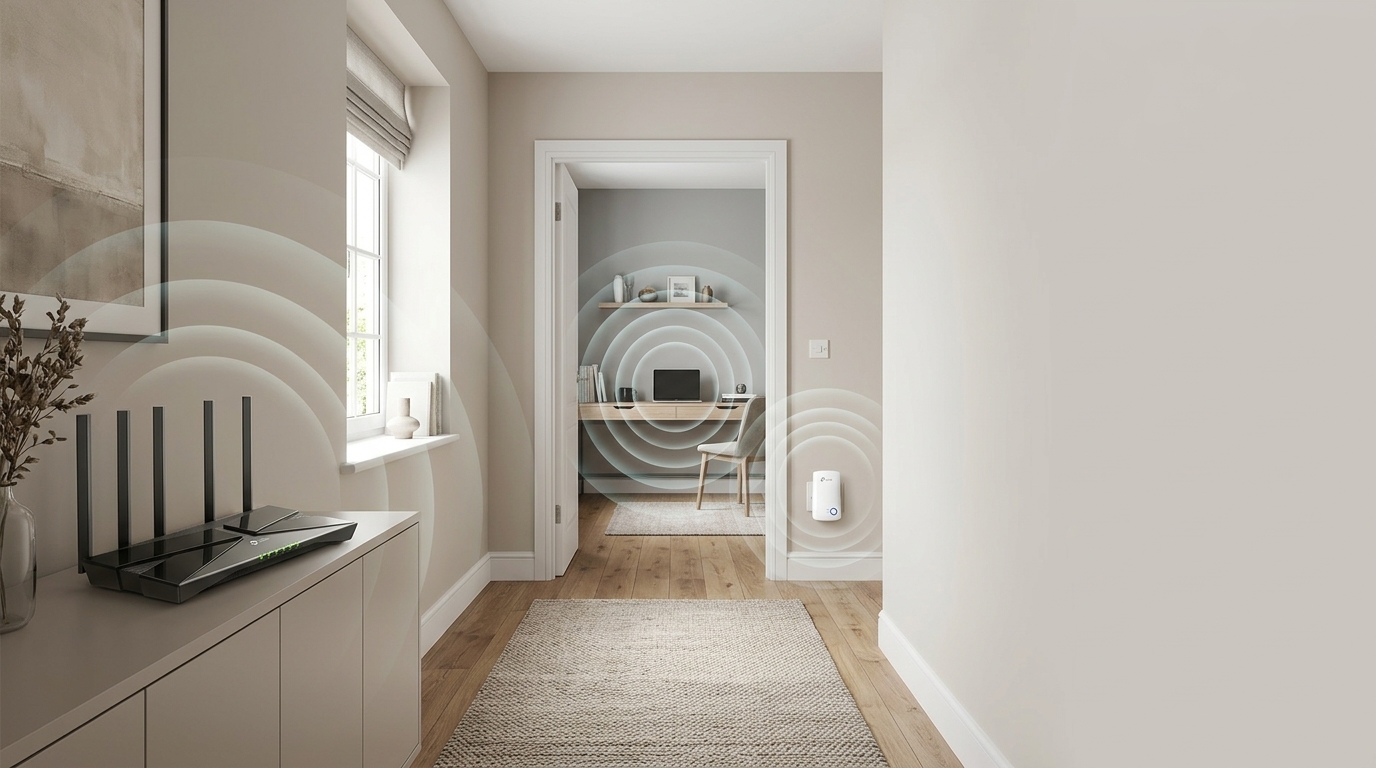
A TP-Link extender is a small plug-in device that picks up your existing WiFi signal and rebroadcasts it, so a router’s coverage reaches further into a house or office. It’s the cheapest fix for a single dead spot in a home network.
It’s also a product Kapra Falconeri doesn’t currently stock. We checked our own catalogue before writing this, because we’d rather tell you that up front than let you assume otherwise. What we carry instead is TP-Link’s Deco mesh range, which solves the same coverage problem in a different way. More on that below, once you know what you’re actually comparing.
How a WiFi extender actually works
You plug it into a socket roughly halfway between the router and the dead zone. It connects to the router’s WiFi, then creates its own signal, sometimes under the same network name, sometimes a second one like “HomeWiFi_EXT”, and repeats whatever it’s picking up.
Here’s the part that matters for anyone recommending one: most extenders use a single radio to do both jobs. Receive from the router, then send to your device. That radio can’t do both at the same time, so it splits its own bandwidth in half for anything connected through it. A phone streaming video through a basic extender is working with roughly half the speed it would get sitting right next to the router.
Some extenders get around this with a separate radio band just for the router-to-extender link, so client devices aren’t sharing that connection. Those work better. They also cost more and sit at the higher end of the category, not the £20-30 units that make up most extender sales.
What a WiFi extender is good for, and where it falls short
For one dead spot in an otherwise fine setup, an extender is a genuinely sensible call. A garage, a garden office, a back bedroom that’s just out of range of the router. Cheap, quick to install, does one job.
The problems start when there’s more than one dead zone, or a customer who wants to walk from room to room without their phone hanging onto a weak signal instead of switching to a stronger one nearby. Most single-band extenders don’t hand devices off cleanly. A phone will often keep talking to the router at one bar instead of switching to the extender sitting a few feet away, because nothing tells it to.
That handoff problem is the real limitation, more than the bandwidth split on its own. An extender is built to patch one weak spot. Stretch it across a bigger job and the cracks show.
Extenders vs mesh systems: the real difference
Which one to recommend
A mesh system replaces the extender’s single node with several nodes working as one network. Each node still needs a solid connection back to the next one, but the better systems use a dedicated wireless band, or a wired connection, just for that node-to-node traffic. Client devices don’t share it.
Devices roam between mesh nodes on their own, using one network name throughout the property, the way a phone call hands off between mobile masts without dropping. That handoff is the piece a basic extender can’t do.
Cost is the trade-off. A mesh kit with 2 or 3 nodes costs well past what a single extender does. For one dead spot, that’s more than the job needs. For a property WiFi genuinely can’t reach corner to corner, it’s the setup that actually works end to end.
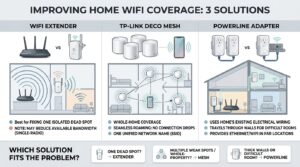
One dead spot, budget-conscious customer: there’s no TP-Link extender in our current range, so a Deco add-on unit or a powerline adapter (if the room’s genuinely unreachable by WiFi) covers it instead.
Whole-property coverage, multiple weak spots: Deco mesh. Don’t sell it in as “the extender,” because it’s solving a bigger job than one is built for.
Old building, thick walls, one room WiFi just won’t reach: powerline adapter first.
What Kapra Falconeri stocks instead: TP-Link Deco mesh
We carry TP-Link’s Deco mesh range wholesale (Deco BE and Deco XE series), sold in multi-unit packs built for whole-home and whole-office coverage, the exact problem extenders start to struggle with once there’s more than one weak spot.
If a customer’s specifically after a TP-Link range extender, we don’t hold that as a dedicated line right now. What we can offer instead is a Deco setup that fixes the same underlying coverage gap without the bandwidth penalty a single-band extender carries. For a reseller, that’s also a stronger sale: a customer describing “my WiFi doesn’t reach the back bedroom” is a better fit for a Deco add-on unit or a small 2-node kit than a £25 extender that only half-solves it.
See the TP-Link wholesale range for current Deco stock. If you’re weighing a single router against a mesh setup more generally, our TP-Link Deco vs Archer post covers that decision in more depth.
Powerline adapters: a different fix for a different problem
If the dead zone is somewhere WiFi genuinely can’t reach (thick original walls, a separate outbuilding, an old house built solid brick throughout), a powerline adapter solves it a different way entirely. It sends your network signal through the electrical wiring already in the walls, and delivers it at the other end as a wired Ethernet port, a fresh WiFi point, or both.
There’s no wireless hop in the middle, so none of the bandwidth splitting that comes with an extender. It just needs two sockets on the same electrical circuit, which in most UK homes means anywhere in the property.
We stock TP-Link’s powerline adapter range wholesale too. For a large multi-storey property, mesh is still the better fit overall. For one stubborn room that WiFi simply won’t reach, a powerline adapter is often the cleanest option on the shelf.
Which one to recommend
One dead spot, budget-conscious customer: there’s no TP-Link extender in our current range, so a Deco add-on unit or a powerline adapter (if the room’s genuinely unreachable by WiFi) covers it instead.
Whole-property coverage, multiple weak spots: Deco mesh. Don’t sell it in as “the extender,” because it’s solving a bigger job than one is built for.
Old building, thick walls, one room WiFi just won’t reach: powerline adapter first.
What to check before you order
None of this is specific to extenders, mesh, or powerline stock, but it’s worth confirming on any networking order. Check the stock is UKCA or CE marked. Ask what happens if a unit arrives dead on arrival, and get that returns process agreed before you commit to volume. Confirm firmware and warranty terms directly with your supplier rather than assuming they match what’s printed on the retail box, since wholesale terms don’t always mirror consumer ones.
Open a trade account
Kapra Falconeri is an independent wholesale supplier of genuine TP-Link products, including the Deco mesh and powerline adapter ranges covered here. Browse the TP-Link range or open a trade account to see wholesale pricing.




💬 Join the Discussion